In today’s digitally-driven educational and healthcare landscapes, the use of devices– from classroom tablets to hospital workstations– offers undeniable benefits. However, this increased reliance also introduces a significant concern: device hygiene.
Unclean devices can harbor harmful pathogens, posing a risk to students, educators, patients, and healthcare professionals. This comprehensive guide outlines the critical importance of device sanitization in schools and hospitals and provides actionable best practices for maintaining hygiene and security in this era of heightened device usage.
Device Contamination Risks in Schools and Hospitals
Frequently touched surfaces harbor dangerous pathogens that can survive for extended periods. Shared devices, ranging from classroom tablets to portable medical devices in hospitals, pose significant health risks if left unsanitized. For example:
In Educational Environments
These devices provide an ideal environment for microorganism growth, increasing the risk of transmitting common colds, flu, bacterial skin diseases, and more. This can negatively impact classroom attendance and learning outcomes.

In Healthcare Environments
Unsanitized devices can expose immunocompromised patients to healthcare-associated infections (HAIs) and increase the risk of healthcare staff contracting dangerous pathogens.

Beyond health risks, the sensitive data often stored and accessed on these devices in both educational and healthcare settings highlights the critical need for sanitization practices that also address data security.
Effective Device Sanitizing Protocols for Educational and Healthcare Facilities
Here’s a step-by-step guide to implementing effective device sanitization protocols in your school or hospital:
1. Establish Clear Sanitization Policies and Schedules
To ensure effective device hygiene, develop comprehensive sanitization policies and schedules. Here are key steps to follow:
- Define Scope: Identify all devices requiring regular sanitization, including laptops, tablets, smartphones, shared workstations, and specialized medical equipment with screens.
- Determine Frequency: Implement cleaning schedules based on device usage and risk assessment. High-touch shared devices should be sanitized more frequently (e.g., after each use or multiple times daily). Personal devices should also be cleaned regularly.
- Assign Responsibility: Clearly designate individuals or teams responsible for overseeing and performing device sanitization.
- Provide Training: Equip staff and students (where age-appropriate) with clear instructions and training on proper sanitization techniques and the importance of device hygiene.
2. Follow These Safe and Effective Cleaning Procedures
To ensure safety during the sanitization process, remember to:
Power Down and Disconnect
Always turn off the device and disconnect it from any power source before cleaning.
Gently Wipe-Down The Device
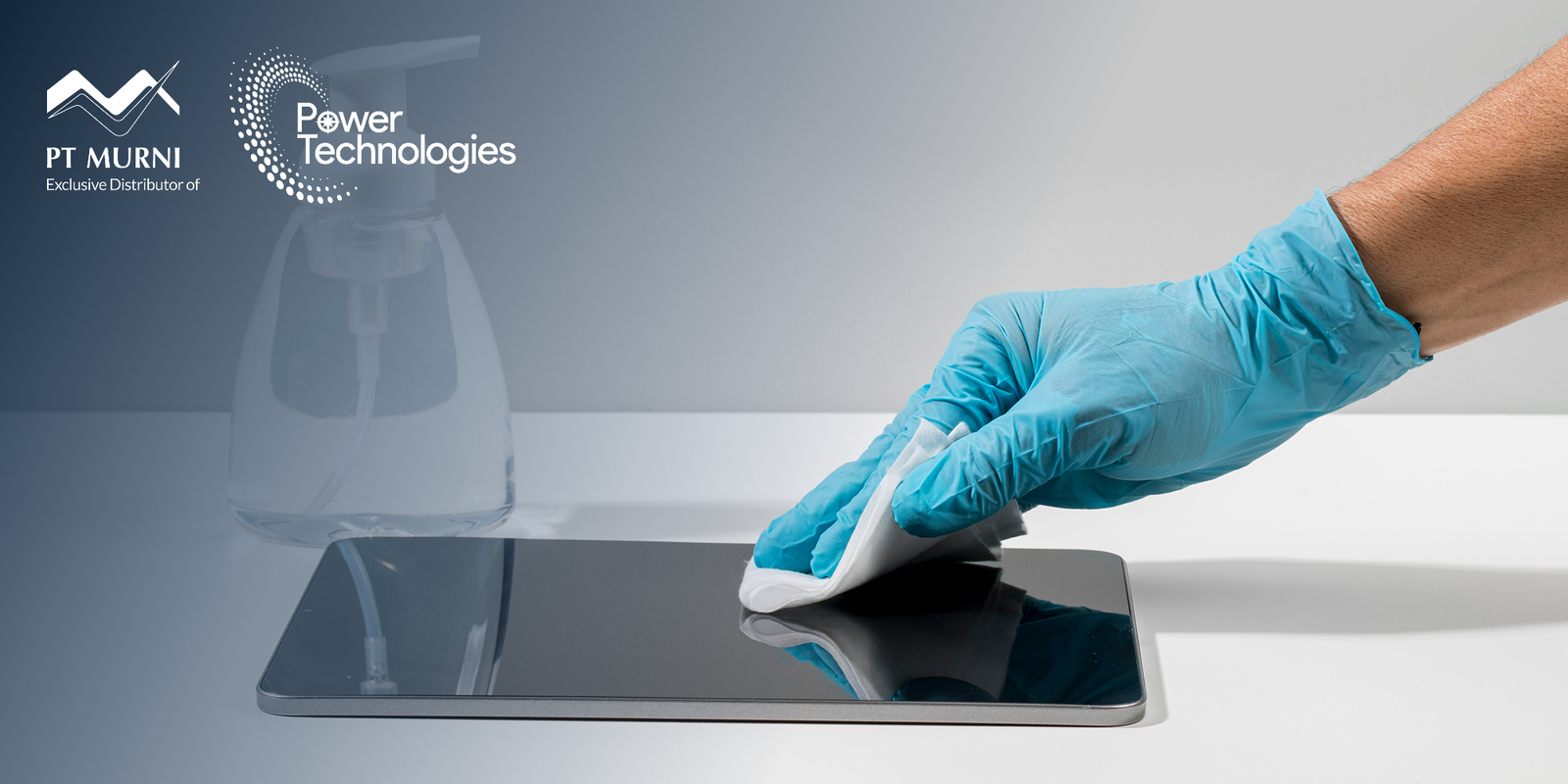
Use a soft, lint-free microfiber cloth to gently wipe down the device screen and all exterior surfaces. Avoid using abrasive materials like paper towels, which can scratch screens.
Choose the Right Cleaning Solutions
Choosing the right cleaning solutions not only optimize the benefits of the sanitization process, but ensure safer practice. It is advisable to the following options below:
Recommended: Isopropyl alcohol wipes or solutions with a concentration of 70% alcohol are generally considered safe and effective for disinfecting device surfaces. Follow the manufacturer’s instructions for application and ensure adequate ventilation.
Alternative: Some manufacturers recommend using diluted isopropyl alcohol (e.g., 70%) applied to a microfiber cloth.
Caution:
Avoid using harsh chemicals like bleach, ammonia-based cleaners, or excessive moisture, as these can damage device components. Never spray liquids directly onto the device.
Always consult the device manufacturer’s guidelines for specific cleaning recommendations to avoid voiding warranties or causing damage.
Focus on High-Touch Areas
Pay close attention to frequently touched areas such as keyboards, touchscreens, buttons, and edges.
Dry The Device Completely Before Use
After wiping, allow the device to air dry thoroughly before turning it on or using it to prevent short circuits and potential damage.
3. Promote Regular Cleaning Habits
Encourage consistent device cleaning among all individuals by:
- Making Supplies Accessible: Provide readily available sanitizing wipes or approved cleaning solutions and microfiber cloths in classrooms, labs, nurse’s stations, and other key areas.
- Encouraging Hand Hygiene: Reinforce the importance of frequent handwashing with soap and water or using hand sanitizer before and after using shared devices.
- Implementing Visual Reminders: Utilize posters and signage to promote device hygiene and proper cleaning techniques.
4. Consider Advanced Sanitization Technologies
While individual device cleaning is helpful in reducing pathogens, consider these advanced technologies for enhanced protection:
- UV-C Sanitizing Devices: UV-C sanitizing cabinets or wands can be used to disinfect devices without the use of liquids. However, ensure that these devices are used safely according to manufacturer instructions and safety guidelines to avoid exposure to harmful UV-C radiation.
- Antimicrobial Coatings: Applying antimicrobial screen protectors or coatings to device surfaces can help inhibit the growth of bacteria and other microorganisms.
A Shared Responsibility for a Healthier Environment
Device sanitization in schools and hospitals is not just a matter of cleanliness; it’s a fundamental aspect of ensuring a safe and healthy environment for learning, healing, and working. By understanding the risks associated with unclean devices and implementing comprehensive, evidence-based sanitization best practices, educational institutions and healthcare facilities can significantly mitigate the spread of infectious diseases and protect the well-being of their communities.
We strongly encourage proactive development and implementation of robust device sanitization protocols by school administrators, educators, healthcare leaders, and IT professionals. By providing resources, training, and staying updated on the latest technologies and methods, you are contributing to build a safer, healthier, and more productive future for everyone in your educational or healthcare community.
Sources: